
Boosting Your Home Network: Tips for Optimizing Wi-Fi Router Placement and Settings
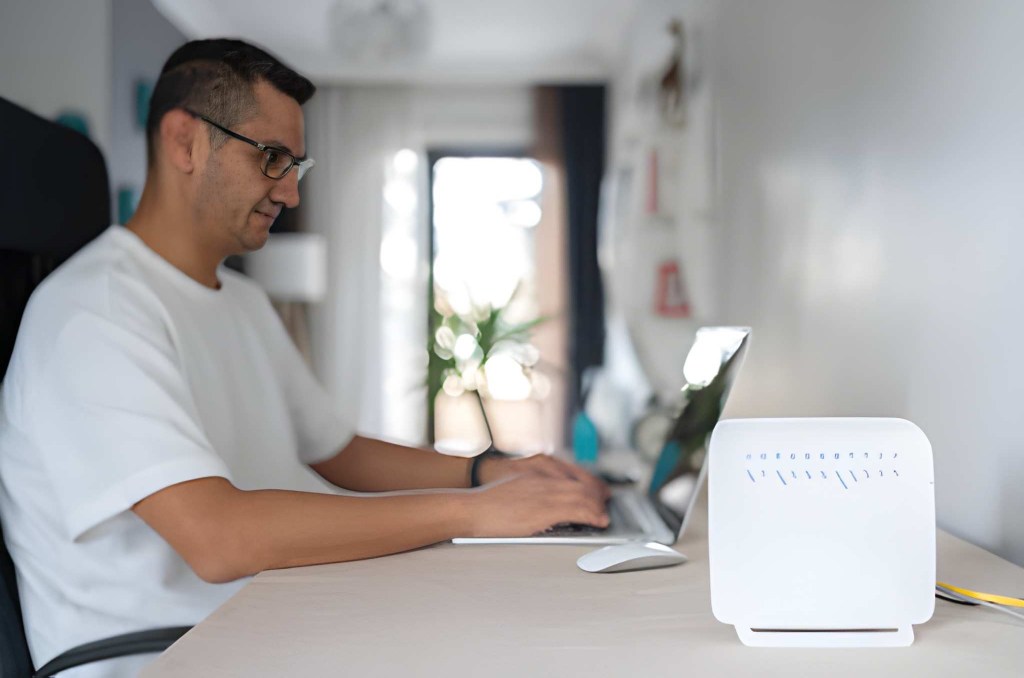
Suppose you are on a video call for work, or maybe you are watching a crucial cricket match, and suddenly the screen freezes. You try to join a class, but the audio cuts out every five seconds.
The first thing you do is blame the internet service provider, right?
But what if the problem is not the internet connection itself?
What if the simple box sitting in the corner of your room, your wifi router, is actually holding back your speed?
It feels like you paid for a powerful sports car, but you are stuck driving it on a dirt road!
In Bangladesh, where homes often have thick concrete walls and many devices running at once, poor Wi-Fi coverage is a major headache.
The good news is that you do not need to buy expensive equipment to fix this. You just need to learn a few easy secrets about placement and settings.
Take this guide as your blueprint for upgrading your home network, showing you how to eliminate those frustrating slow spots and get the fast, reliable speed you deserve from every corner of your house.
The Best Spot: Router Placement
The single biggest mistake most people make is hiding their wifi router. They put it inside a cabinet, behind the television, or tucked away on the floor.
It is the main reason you get wifi dead zones.
The secret to a strong connection is simple. Place your router at the central, highest point in your home.
Why is Central and High the Best Place for a Router?
Your wifi router sends signals like a light bulb sends light. The signal spreads out and goes downwards. If the router is on the floor, half the signal is being wasted in the foundation!
- Elevate it: Place your router on a high shelf, in a cabinet, or on a mounting location. It allows the signal to spread over furniture and other obstacles, providing better wifi coverage throughout your house.
- Centralize it: Do not put the router right next to the window or an outside wall. This broadcasts half your signal to your neighbors. Placing it as close to the center of your apartment or house ensures the signal reaches all rooms equally.
By following these router placement tips, you instantly maximize the range of your existing equipment.
Enemies of Wi Fi: What to Avoid
Now that you know where to put your router, you need to know what objects act like signal killers. These are the things that block or absorb the wireless signal.
What Objects Can Block My Boost Wi-Fi Signal?
Certain everyday items are secret enemies of your Wi-Fi:
- Metal and Concrete: If you live in an apartment with thick walls or have large metal appliances like refrigerators, the signal will struggle to pass through. In such cases, consider solutions such as a dedicated Wi-Fi extender or a Wi-Fi booster to bridge the gaps.
- Water: Large fish tanks or even thick stacks of books can weaken the signal because water absorbs Wi-Fi signals.
- Other Electronics: Microwaves, cordless phones, and even old baby monitors use the same frequency bands as your router, causing interference. Never place your router in the kitchen or right next to a microwave oven.
By keeping your Wi-Fi router away from these obstacles, you help the signal travel more clearly from the transmitter to your device, ensuring a strong connection in every room.
Optimizing the Settings: Making Your Router Smarter
Placement fixes the physical problems, but smart settings fix the digital interference. This is where you learn to optimize Wi-Fi speed truly.
Understanding Router Frequency Bands: 2.4 GHz vs 5 GHz
Every modern wifi router uses at least two different speeds, or “frequency bands”:
2.4 GHz and 5 GHz.
- 2.4 GHz: This band is slow, but it has a very long reach and can easily penetrate walls. It is best for devices far away from the router, like a phone in the bedroom, or older devices.
- 5 GHz: This band is high-speed, but its signal is weak and does not travel well through walls. It is best for devices close to the router that need maximum speed, like a gaming computer or a streaming TV.
Remember! ↘
If your laptop is right next to the router, make sure it is connected to the 5 GHz band for the fastest speed!
Why Should I Care About Wifi Channel Optimization?
Consider Wi-Fi channels like different lanes on a highway. Every one of your neighbors’ routers is using a lane.
If everyone is on the same lane (channel), traffic jams happen, and your connection slows down!
It is called interference.
Wi-Fi channel optimization involves changing your router’s default channel to an emptier one. If you live in a densely populated residential area, most people do not change their Wi-Fi channel settings, so they all end up stuck on Channel 1, 6, or 11.
By logging in to your Wi-Fi router settings and selecting a less crowded channel, you can instantly improve stability and reduce interference, especially on the congested 2.4 GHz band.
The above simple trick is one of the most effective wifi coverage tips you can implement today.
Beyond the Basics: Advanced Solutions
What if you have a huge house or thick walls that no single router can cover?
Should I Invest in a Mesh Wi-fi Systems?
If you constantly struggle with wifi dead zones despite excellent placement, a mesh wifi system might be your answer.
Mesh systems use multiple small boxes (called nodes) placed throughout your home. They all work together seamlessly to create a single, strong Wi-Fi network, extending the signal to every corner.
It is like replacing one weak light bulb with three or four smaller, perfectly placed lights that cover the whole room without shadows. It is usually a better solution than a simple wifi extender for large or multi-story homes.
Router Security Tips
Finally, security is essential. An unsecured network is an open door for neighbors to steal your bandwidth, slowing down your service for everyone.
Always use a strong, unique password for your network. Log in to your settings and ensure you are using the latest security standard, which is usually WPA3.
Strong router security tips prevent unauthorized users from connecting and hogging your speed.
Conclusion
You now know the secrets to a fast, reliable home network. The next time your connection slows down, do not immediately blame your internet provider.
Start by checking the basics:
- Is your wifi router placed high and centrally?
- Have you manually separated your devices onto the faster 5 GHz band?
By implementing these simple, free adjustments, you can open the door to the full potential of your internet plan and enjoy seamless streaming, gaming, and working from anywhere in your home in Bangladesh.
Ready to stop freezing mid-call?
Make these small changes today!